
All-in-one AI Video & Image Generator
Picvo AI is the all-in-one multimodal AI generator powering Seedance 2.0, Veo 3.1, Nano Banana 2, GPT Image 2, and ElevenLabs. Turn a single prompt — text,image, or audio — into cinematic-quality video and high-quality images. It's the most comprehensive platform for AI video, image, voiceover, and music generation.
Click to upload reference content
Image 0/9Video 0/3Audio 0/3
Pro Tips for Seedance 2.0
- - ⚡ Generate in 5–8 minutes with no queue, ever — while other platforms take 30+ minutes. Real person reference images fully supported, where other platforms fall short.
- - Images: Up to 9, max 30MB each, Use the correct option depending on whether the image contains a person
- - Videos: Up to 3 (MP4/MOV), 2–15s each, total ≤15s, max 50MB each
- - Audio: Up to 3 (WAV/MP3), 2–15s each, total ≤15s, max 15MB each
- - Prompt: Describe scenes, actions, and camera movements in detail — supports English and Chinese
- - Aspect Ratio: 7 options including Auto mode that selects the best ratio based on your input
- - Resolution: 480p for faster generation, 720p for higher quality
- - Generation Failed? Try simplifying your prompt or using a different aspect ratio
Ten-Plus Top Models. One Picvo Dashboard for Video, Image, Music & Voice.
Picvo AI is an advanced multimodal AI generator that turns text, images, and audio into cinematic output. Render broadcast-ready 4K video on Veo 3.1 or Sora 2, photoreal stills with Seedream 5 or Flux Kontext, original soundtracks via Suno V5, and studio-quality narration through ElevenLabs — billed from one shared credit pool, with nothing to configure.
Frontier Models, One Login
Veo 3.1, Sora 2, Seedance 2.0, Kling 2.6, Wan 2.6, Nano Banana 2, Seedream 5, Flux Kontext, Suno V5, and ElevenLabs are wired in — flip between them with a single click and skip the API gymnastics.
Four Media Types, Zero Tool Switching
Video, stills, music, and voice live in the same Picvo workspace. Build an entire campaign — clip, key art, score, voiceover — without bouncing between five different apps.
4K Output on Supported Paid Tiers
Export video up to 4K, stills up to 2048px, and lossless audio on supported paid tiers. Commercial or client use is subject to rights clearance, provider terms, and Picvo AI's Terms.
Video, Image, Music & Voice — Powered by One AI Workspace
Picvo AI is the advanced multimodal generator that takes a one-line prompt — or your own text, images, and audio — and ships a finished 4K cut with synced soundtrack and voiceover. Thousands of creators, indie filmmakers, marketing teams, and product brands rely on Picvo every week to produce AI content their audience actually watches.
AI Video — Text, Image, Reference & Footage Inputs
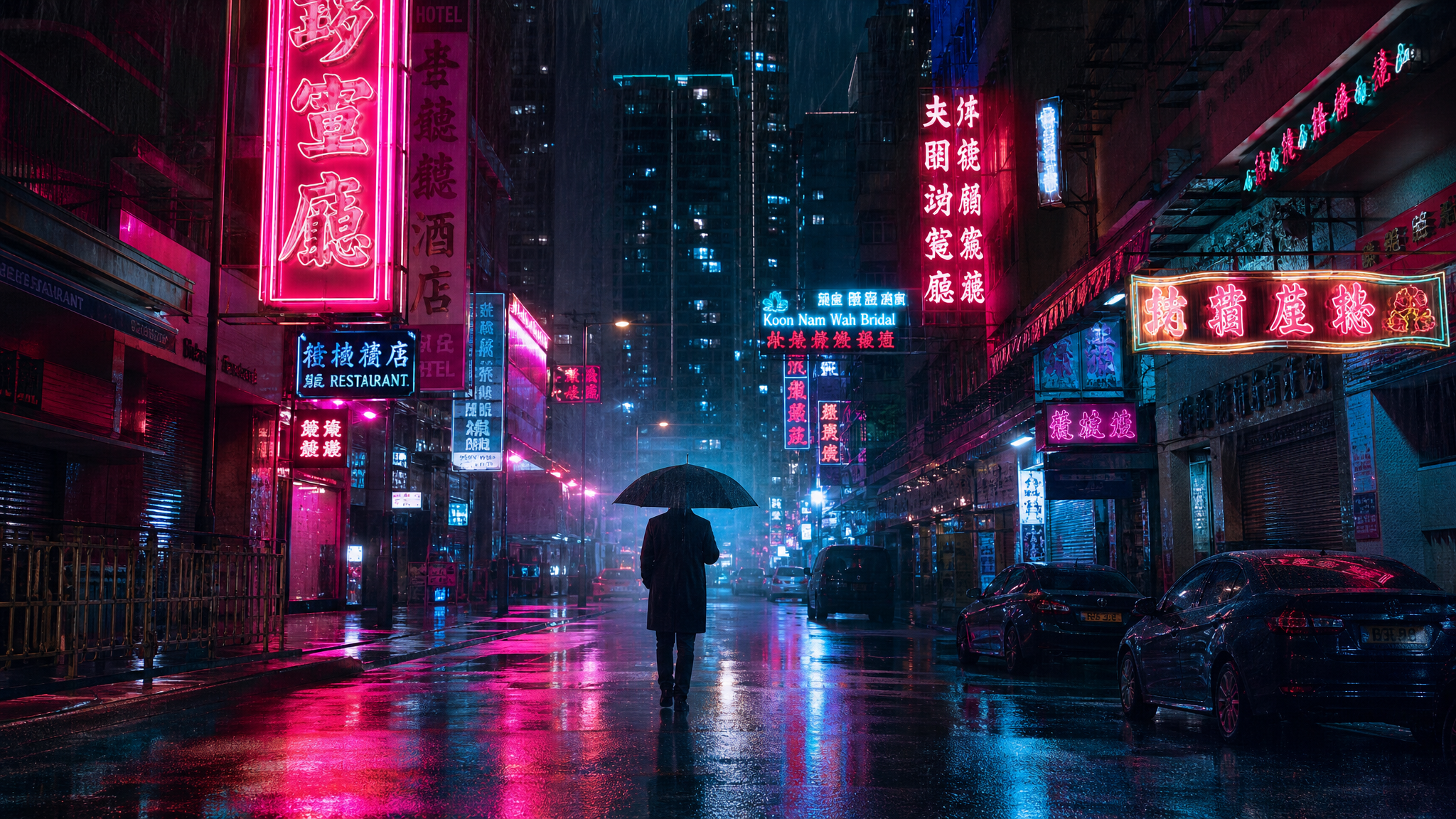
Render motion that holds up on a big screen using Veo 3.1, Sora 2, Seedance 2.0, Kling 2.6, or Wan 2.6. Drive each shot from text, animate a still, lock to a reference frame, or restyle an existing clip — with native sync sound up to 15 seconds baked into the render.
AI Image — Generation, Editing & Aspect Control
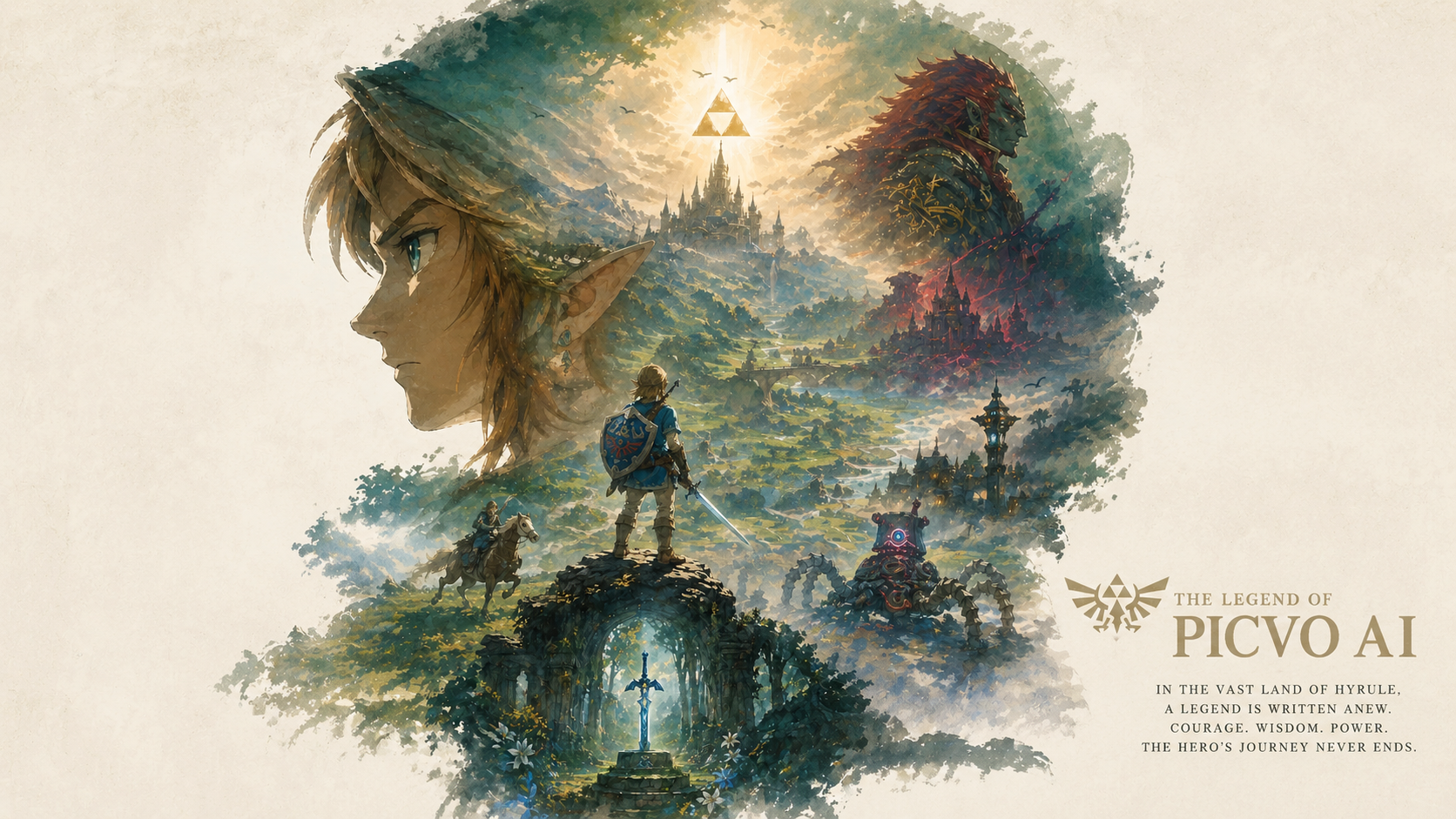
Compose photoreal stills, illustration plates, or styled edits with Nano Banana 2, Seedream 5, Seedream 4.5, or Flux Kontext. Fine-grained prompt steering, seven aspect ratios, and built-in upscaling cover everything from social key art to e-commerce hero shots.

Original Music & Lifelike AI Voices
Score full songs with Suno V5 or voice your scripts in 29+ languages through ElevenLabs. Built for podcast intros, ad reads, social cutdowns, and trailer music — no studio booking required.
Three Steps From Idea to Finished Asset
Skip the onboarding curve. Pick a model, write what you want, and Picvo delivers a polished render — usually inside a minute.
Step 1 — Pick the Right Engine
Browse the Picvo model shelf and choose the engine that fits the job: Veo 3.1 or Sora 2 for narrative clips, Seedance 2.0 when you need real-person references, Flux Kontext for hyper-detailed stills, Suno V5 for music beds, or ElevenLabs for voicework.
Step 2 — Tell Picvo What to Make
Type a prompt, drop in up to nine reference images, attach a clip, or layer all three. Picvo handles text-to-video, image-to-video, video-to-video, text-to-image, and multi-modal inputs without any extra setup.
Step 3 — Export, Share, Publish
Commercial use may be allowed subject to Picvo AI's Terms, the model provider's terms, applicable law, and third-party rights. You are responsible for rights clearance and any required licenses or attribution.
Why Creators Build Their AI Pipeline on Picvo
Picvo is tuned for people who ship work, not just experiment. Every detail — pricing, queue priority, model coverage — is designed to cut time-to-final and let you produce assets that actually look paid-for.
Ten-Plus Engines on One Plan
Veo 3.1, Sora 2, Seedance 2.0, Kling 2.6, Wan 2.6, Nano Banana 2, Seedream 5, Flux Kontext, Suno V5, ElevenLabs, and more — covered by a single credit balance. No second logins, no per-model billing.
Up to 4K Resolution
Push video and image renders all the way to 4K, with 720p preview turnaround for quick iteration. Suitable for paid placements, YouTube uploads, OOH spots, and broadcast cuts.
Built-In Sound Sync
Video renders include matched audio — ambient room tone, dialogue, music beds — rendered in the same pass. No need to manually marry an audio track in post.
Most Renders Finish Under a Minute
Video typically completes in 30 to 60 seconds and stills in 5 to 15 seconds. Paid tiers get priority queue placement so deadlines stay deadlines.
Commercial Use Subject to Terms
Paid-plan output may be used commercially when permitted by applicable law, model-provider terms, Picvo AI's Terms, and third-party rights. You remain responsible for rights clearance.
Side-by-Side Model Comparison
Not vibing with one render? Re-run the same prompt across Veo 3.1, Sora 2, Kling 2.6, and Seedance 2.0 with a single click and pick the take that nails it.
One Credit Balance Covers Every Picvo Model
Pro
- 350 credits per month
- Full 4200 credits issued once
- Up to 35 videos per month
- Up to 350 images per month
- All AI models Here Support
- Priority support
- Commercial usage rights
- Priority processing speed
- Remove watermark
Basic
- 150 credits per month
- Full 1800 credits issued once
- Up to 15 videos per month
- Up to 150 images per month
- All AI models Here Support
- Priority support
- Commercial usage rights
- Priority processing speed
- Remove watermark
Max
- 750 credits per month
- Full 9000 credits issued once
- Up to 75 videos per month
- Up to 750 images per month
- All AI models Here Support
- Priority support
- Commercial usage rights
- Priority processing speed
- Remove watermark
Pro Max
- 1500 credits per month
- Full 18000 credits issued once
- Up to 150 videos per month
- Up to 1500 images per month
- All AI models Here Support
- Priority support
- Commercial usage rights
- Priority processing speed
- Remove watermark
Daily Free Credit
Claim your free credit every 24 hours
Picvo AI — Common Questions, Answered
Quick answers about generating video, stills, music, and voice on the Picvo platform.
Which AI models can I use inside Picvo?
The Picvo shelf currently includes Veo 3.1, Veo 3, Sora 2, Sora 2 Pro, Kling 2.6, Seedance 2.0, Seedance 1.5 Pro, and Wan 2.6 on the video side; Nano Banana 2, Seedream 5, Seedream 4.5, and Flux Kontext for stills; Suno V5 for music; and ElevenLabs for voice. We roll in new engines as soon as their providers ship them.
How quickly do renders come back?
Most video generations finish in 30 to 60 seconds — duration and resolution settings shift that a little. Images usually land within 5 to 15 seconds. Paying subscribers get priority queue placement, so throughput stays steady even during peak windows.
Can I use Picvo renders in paid work?
Paid-plan output may be used commercially only when permitted by applicable law, model-provider terms, Picvo AI's Terms, and third-party rights. You are responsible for clearing intellectual-property, privacy, publicity, voice, and likeness rights. Free daily credits are for personal testing only.
Is there a free way to try Picvo?
Daily free credits drop into every Picvo account so you can try video, image, and voice generation before subscribing. Claim them from the Pricing page — no card required to sign up.
What makes Seedance 2.0 different from the other video models?
Seedance 2.0 is ByteDance's newest multi-modal video engine and a Picvo highlight. It accepts text, reference images of real people, prior video clips, and audio prompts in the same generation. Output reaches 720p with synced sound, supports live web search for current references, and offers seven aspect ratios out of the box.
What does the Picvo subscription actually include?
A single Picvo plan covers credit usage across connected models, priority queue placement, 4K export on supported engines, side-by-side model comparison, and storage for your generated library. Commercial use remains subject to rights clearance and the applicable terms.
How is Picvo different from going direct to Sora or Veo?
Going direct means juggling separate accounts, separate billing, separate quotas, and separate API setups for each provider. Picvo collapses all of that into one workspace: one login, one credit balance, one library, plus one-click switching between Veo 3.1, Sora 2, Kling 2.6, and Seedance 2.0 to compare takes.
Can I cancel or change my Picvo plan whenever?
Yes — adjust or cancel from User Center → My Orders at any time. Credits you've already paid for stay usable through the end of the current billing cycle, and there are no cancellation penalties or multi-month lock-ins.
Start Building With Picvo Today — Free Credits Included
Sign up and start rendering AI video, stills, music, and voice in minutes. Picvo gives every new account free daily credits — no card, no contract, no setup fee.